This article examines Instapage’s pricing plans and costs for 2026, providing a comprehensive analysis of the monthly and annual costs, the value each plan offers, and the pros and cons of using Instapage. Additionally, it compares Instapage with its competitor, Landingi, and offers practical tips on selecting the best plan for your business needs. Whether you’re a small business or a large enterprise, this guide will help you make an informed decision about Instapage’s pricing and features.

How Much Does Instapage Cost?
Instapage offers three pricing plans in 2026:
- Create: $99/month for up to 15,000 visitors, or $79/month if billed annually.
- Optimize: Starts at $199/month for 30,000 visitors and goes up to $299/month for 50,000 visitors. Annual billing reduces the cost to $159–$239/month.
- Convert: Custom pricing based on your traffic and feature needs.
All plans include unlimited landing pages, conversions, and contacts. While the core offering is the same, each plan adds different tools and support levels. In the next section, we break down the monthly pricing in more detail.
How Much is Instapage per Month?
The lowest monthly rate is $99 with the Create plan. Annual billing reduces the cost to $79/month. The Optimize plan is more expensive, but it offers a set of features for landing page testing. The Convert plan is priced individually, depending on the scale and complexity of your business.
Take your landing pages with you! Our team will import your landing pages to help you start the journey!
Is Instapage Worth the Money?
Instapage can be a worthwhile investment for marketing teams that rely heavily on A/B testing, advanced analytics, or campaign-specific landing pages. However, the high price makes it less appealing for startups or small businesses with limited budgets. For those users, the value of features like AI content generation and unlimited conversions may not justify the monthly cost.
Key tools such as AdMap®, Heatmaps, Global Blocks, and custom fonts are only available on the Convert plan. In contrast, some Instapage alternatives, like Landingi, offer comparable features – including Smart Sections and font customization – at lower price points.
Instapage Pricing Pros and Cons
This section assesses Instapage’s pros and cons, helping you decide if its features and cost fit your business. Instapage excels in landing page optimization with its advanced AI content generation and comprehensive A/B testing. However, many similar landing page platforms offer similar features, and Instapage’s high cost may deter smaller businesses or those on a tight budget.
Pros
- A/B testing and experimentation tools (on Optimize plan)
- AI content generation capabilities
- No conversion limits
- Real-time visual collaboration
- Integration options with major marketing and CRM platforms
Cons
- Higher cost compared to some competitors
- Some of the basic features, e.g., A/B testing, are available only on higher plans
- Custom pricing for advanced plans can be unclear
- There aren’t many distinctive features, as most of them are present in similar tools
In conclusion, Instapage offers powerful features and integration capabilities that can significantly enhance marketing campaigns. However, the high cost and few unique features may be a drawback for some businesses.
Instapage Features
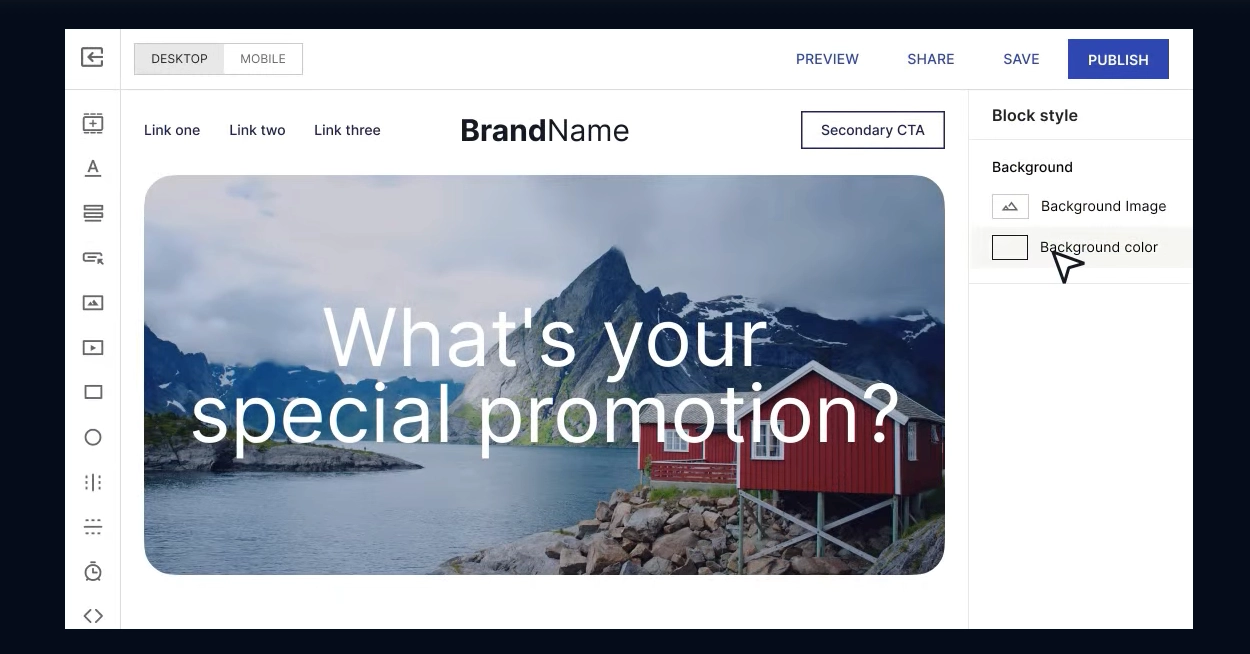
Instapage offers features designed to optimize landing page performance. Below is a table summarizing these features:
| Feature | Description |
| Landing Page Builder | Creating pages with a customizable builder and over 500 layouts. |
| AI Content Generation | Generating headlines, paragraphs, and CTAs with AI directly in the builder. |
| A/B Testing | Split tests with no page load delay using server-side testing. |
| Instablocks® | Saving and reusing blocks across multiple pages. |
| Global blocks | Updating content blocks across multiple pages in bulk. |
| Real-Time Collaboration | Collaborating with team members in real-time on page designs and approvals. |
| AdMap® | Connecting ads to relevant landing pages and visualizing customer journeys. |
| Collections | Creating a set of landing pages based on one template page. |
Instapage Pricing Plan Comparison
Below is a comparison of the available Instapage pricing plans:
| Plan | Monthly billing rates | Best for |
| Create | $99/mo ($79/mo annually) | Marketing teams that want to build responsive, branded landing pages without developer support. Ideal for those who prioritize design flexibility and smooth collaboration. |
| Optimize | $199-$299/mo ($159-$239/mo annually) | Teams running frequent, high-traffic campaigns. Great for marketers who rely on A/B testing and performance tracking to improve conversion rates. |
| Convert | Custom pricing | Large enterprises that need advanced optimization tools and support to scale conversion-focused campaigns while keeping CPC low. |
Create
Price: $99 per month (monthly billing) or $79 per month (annual billing)
The Create plan is ideal for teams focused on building high-converting landing pages. It includes tools for content creation, design, and lead capture, and supports up to 15,000 unique visitors per month. You also get 1 workspace, access for 10 team members, and 2 subdomains.
Some key features:
- AI content generation
- Instablocks®
- Form builder
- Pop-up builder
- Real-time visual collaboration
- Collections (15 pages per Collection)
Optimize
Price:
- up to 30,000 visits – $199 per month (billed monthly) or $159 per month (billed annually)
- up to 50,000 visits – $299 per month (billed monthly) or $239 per month (billed annually)
The Optimize plan builds on Create by adding tools for testing and performance analysis. It’s designed for teams running larger campaigns and looking to improve results through experimentation. Includes up to 50,000 unique visitors, 5 workspaces, 10 team members, and 10 subdomains.
Some key features:
- A/B testing with hypothesis setting
- Scheduling
- Multi-step forms
- Dynamic text replacement
- Collections (50 pages per Collection)
Convert
Price: Custom pricing
Convert is a tailored plan for organizations that need advanced support, feature customization, and scalable performance tools. It’s built for large teams running data-driven campaigns.
Some key features:
- Custom feature implementation
- Conversion consulting
- Dedicated customer success manager
- Global blocks
- AdMap®
- AI Experiments
- Heatmaps
- Collections (Custom)
Which Instapage Plan Should I Choose?
Choose the Create plan if you need a fast, flexible way to build landing pages and don’t require advanced testing features – ideal for solo marketers or small teams. Pick the Optimize plan if you run high-traffic campaigns and want to test variations using A/B tools and performance data. Choose the Convert plan if your team requires advanced support, custom integrations, or campaign consulting – typically best suited for large organizations managing multiple brands or channels.
Instapage Additional Costs
Be prepared for additional costs in Instapage if you need custom features, advanced integrations, and higher traffic limits, which are only available on a higher plan. Contact their sales team for a detailed quote based on your specific requirements.
Instapage Pricing Tips
To save money, opt for annual billing and receive 20% off compared to monthly payments. If you’re considering the Convert plan, speak with the sales team to customize the package based on your traffic volume and support needs. You can also use Instapage’s 14-day free trial to test key features and see how well the platform fits into your workflow before making a commitment.
Instapage vs. Landingi Pricing
When comparing Instapage and Landingi, consider their pricing structures and the unique solutions they offer. Both platforms specialize in landing page creation and optimization, but they cater to different business needs and budgets.
Instapage overview
Instapage has three plans:
- Create ($99/month or $79/month annually),
- Optimize (from $159/month for 30,000 visitors),
- and Convert (custom pricing).
The platform includes advanced features like AI content tools, server-side A/B testing, and AdMap®. These tools are useful for teams focused on detailed campaign optimization, but the platform’s higher price point may be difficult to justify for smaller companies or those with limited marketing budgets.
Landingi overview
Landingi, the best landing page automation platform, offers a broader range of pricing plans that cater to different business sizes and the requirements of various marketing teams. Landingi’s plans include:
- a Free plan,
- a Lite plan ($29/month or $24/month if billed annually),
- a Professional plan ($69/month or $57/month if billed annually),
- and an Enterprise plan ($1,399/month or $1,150/month if billed annually).
These plans vary by traffic limits and the number of landing pages allowed. Users can also increase traffic limits within a plan for an extra fee, which helps businesses adapt to campaign surges without upgrading entirely.
Why overpay for landing pages? Switch to Landingi and keep your budget under control.
Landingi includes over 400 templates, a pop-up builder, A/B testing, and behavior tracking. All plans come with AI landing page tools for page generation, content writing, SEO optimization, and background removal. Features like dynamic text replacement and automatic translation support creating personalized landing pages. Moreover, Landingi offers over 170 integrations with external tools.

For large organizations, Landingi offers SSO, permission controls, team workspaces, and audit logs to support structured workflows. Compliance features include GDPR readiness, WCAG accessibility support, and domain whitelisting. Enterprise clients also receive custom development options and a dedicated account manager for faster onboarding.
Explore all enterprise-level features – choose Landingi and scale with confidence.
In summary, Instapage is a strong choice for teams prioritizing in-depth testing and AI-driven optimization, assuming budget isn’t a barrier. Landingi is a better fit for businesses looking for core landing page tools at a lower cost, with added flexibility to scale as needed.
Instapage Pricing FAQ
This section answers common questions about Instapage’s pricing and plans.
Why is Instapage so expensive?
Instapage is expensive because it offers advanced features like AI content generation and unlimited conversions. However, for many businesses, these extras may not justify the high cost, especially when more affordable alternatives are available that still deliver robust landing page functionality.
What is the cheapest Instapage plan?
The most affordable option is the Create plan, priced at $99/month or $79/month when billed annually.
What is the best Instapage alternative?
Landingi is a strong alternative for teams that want essential landing page tools without the high cost. It includes a drag-and-drop builder, pop-up creator, A/B testing, over 170 integrations, and AI tools like the Landing Page AI Composer and AI Assistant. Features such as Smart Sections, EventTracker, and dynamic content make it flexible for different campaign needs.
Can I use Instapage for free?
Instapage doesn’t offer a free plan, but you can try the platform through a 14-day free trial before deciding on a paid subscription.
Switch from Instapage to Landingi
Instapage offers powerful tools for landing page optimization, but its pricing and custom plans can be a barrier for smaller teams or companies with limited budgets. For those users, the cost often outweighs the benefits – especially when more affordable platforms provide similar core features.
Landingi is a practical alternative for teams focused on building and testing landing pages without overpaying. It offers plans at lower price points and includes tools like an AI Assistant for content, Smart Sections for reusable layouts and bulk updates, and over 400 customizable templates. The platform also integrates with 170+ marketing tools, making it easy to connect with existing workflows.
While Instapage may be the right fit for large-scale campaigns that require advanced experimentation and optimization, Landingi delivers a more accessible and scalable solution – without sacrificing essential landing page functionality. For many teams, the switch means getting the tools they need without the overhead.